![PocketLab Logo Tagline LeftAlign SM.png]](https://support.thepocketlab.com/hs-fs/hubfs/PocketLab%20Logo%20Tagline%20LeftAlign%20SM.png?height=40&name=PocketLab%20Logo%20Tagline%20LeftAlign%20SM.png)
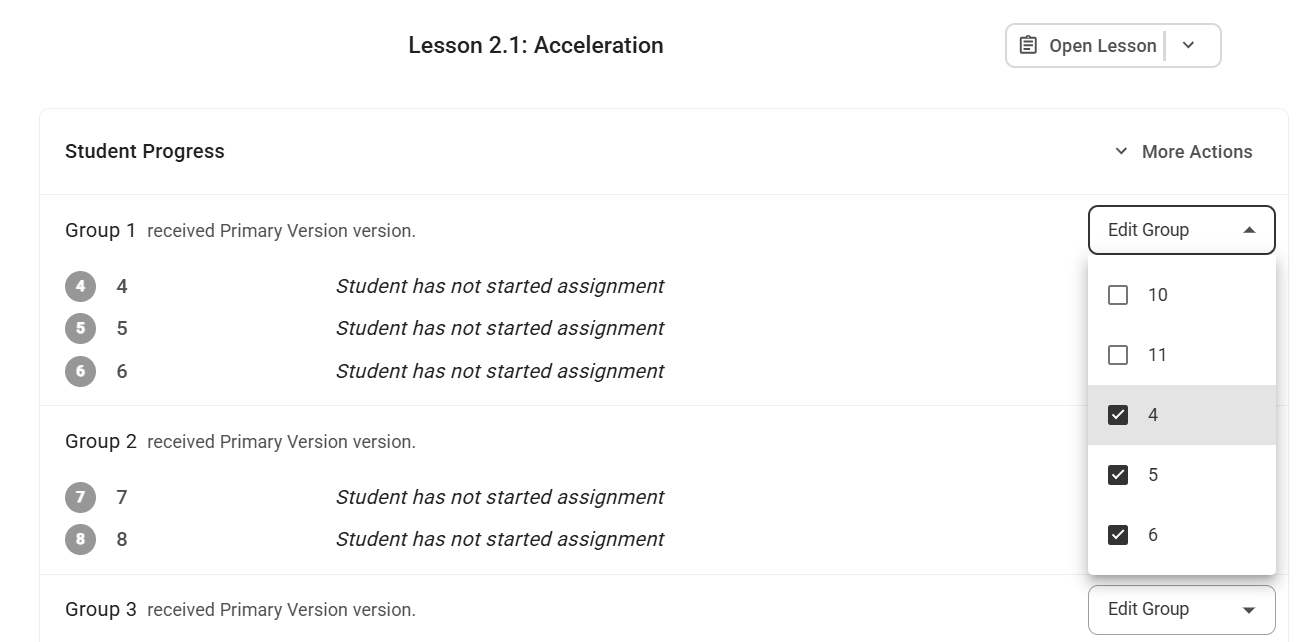
For group assignments, you can add the new student to existing groups by clicking Edit Group
For individual assignments, you can add new students with these steps:
- Open the assignment to see the teacher dashboard
- Click More Actions
- Click Versions Assigned
- Click the Assign arrow next to the new student name at the bottom of the list
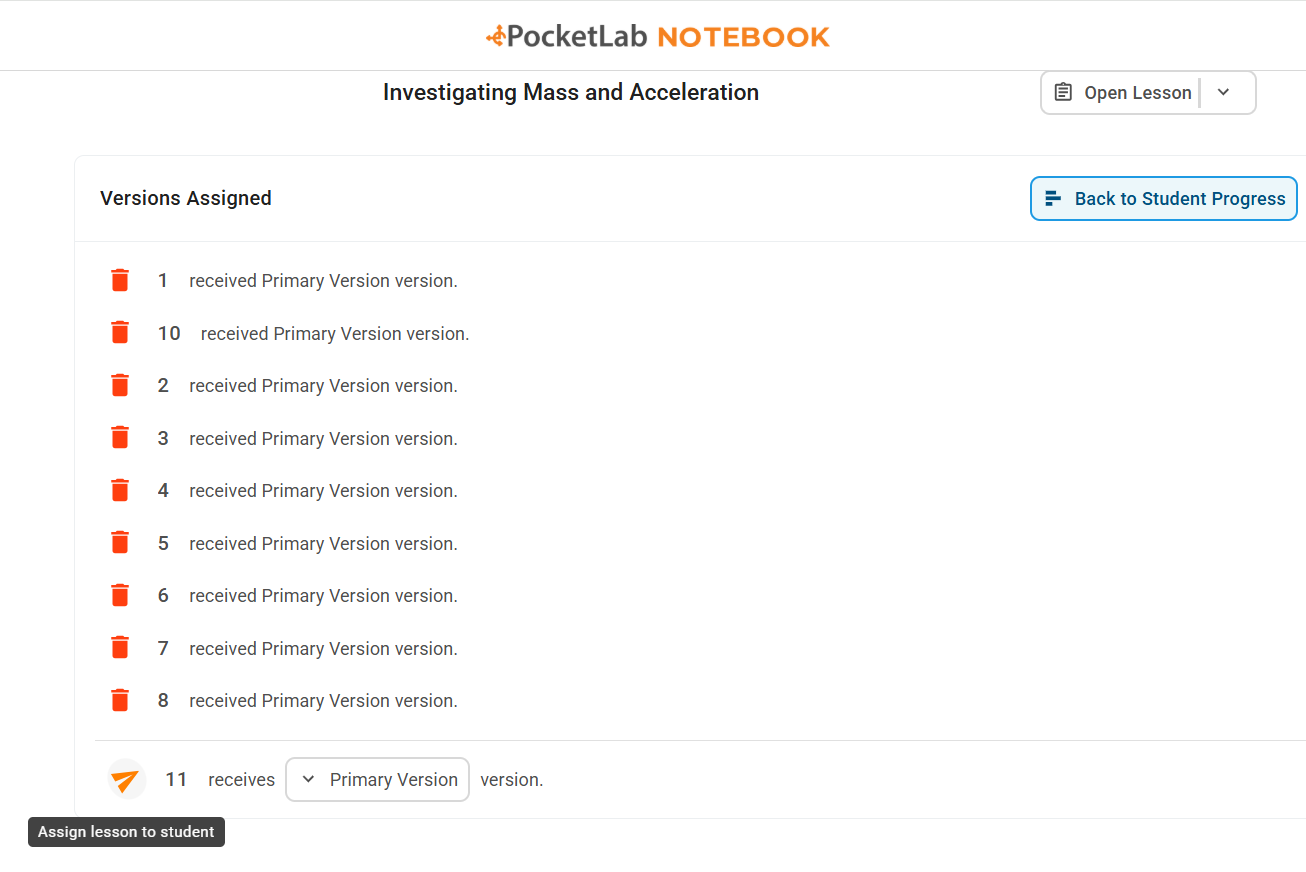
The student should now have the individual assignment sent to them as well.